Flip what you've got into dinner.
Tell FridgeFlip what's in your fridge and pantry. It finds recipes you can make right now, shows what you're missing, and walks you through every step.
Open the app →How it works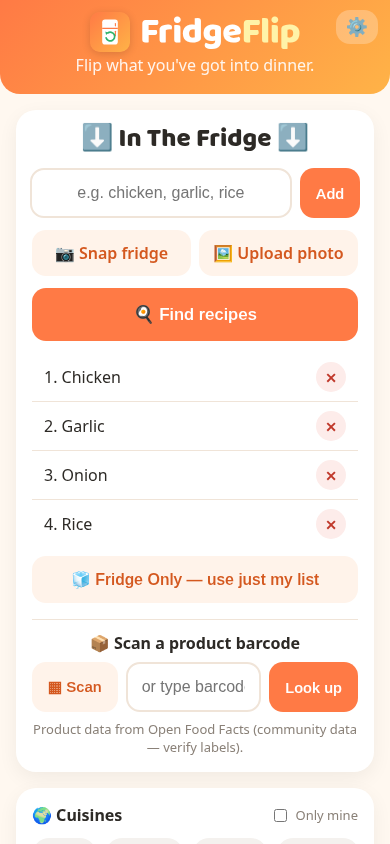
Tell FridgeFlip what's in your fridge and pantry. It finds recipes you can make right now, shows what you're missing, and walks you through every step.
Open the app →How it worksFrom "what's for dinner?" to dinner in three steps.
Type ingredients, snap your fridge or scan barcodes. Set your allergies once.
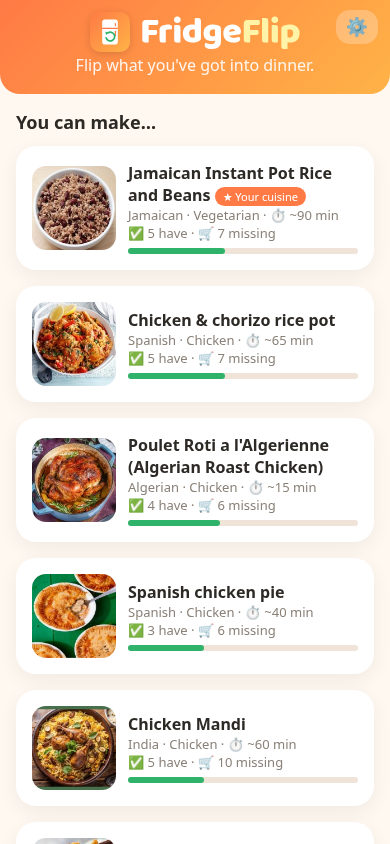
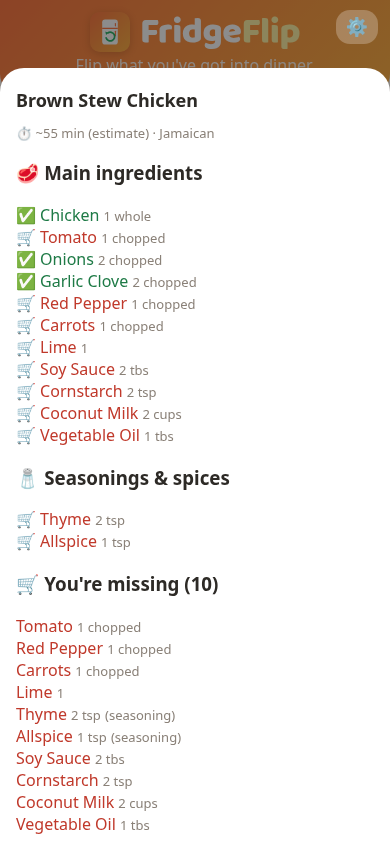
Recipes are ranked by how much you already have, with what you're missing clearly marked.
Follow big-text cook mode, or tap once to get missing items delivered.
Free, friendly and built for your phone.
Add ingredients as chips with smart autocomplete, snap a photo of your fridge, or scan a product barcode.
Pick allergens like peanuts, dairy or gluten. Recipes that contain them are hidden and flagged.
Every recipe lists seasonings and spices separately, with measurements, so nothing is forgotten.
Numbered steps with big text and next/back buttons, made for messy hands.
Switch between cups, oz and °F, or ml, g and °C. Oven temps in steps convert too.
Choose favorites like Italian, Thai or Caribbean and see those recipes at the top.
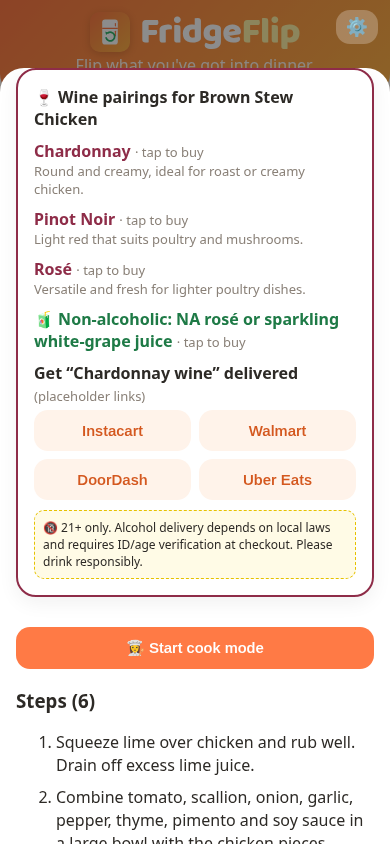
Get 2–3 suggested wine styles for each dish, plus a non-alcoholic pick.
Missing something? Send your list to Instacart, Walmart, DoorDash or Uber Eats.
Install it on your home screen. No account needed, and your preferences stay on your device.
Real screens from the FridgeFlip app.